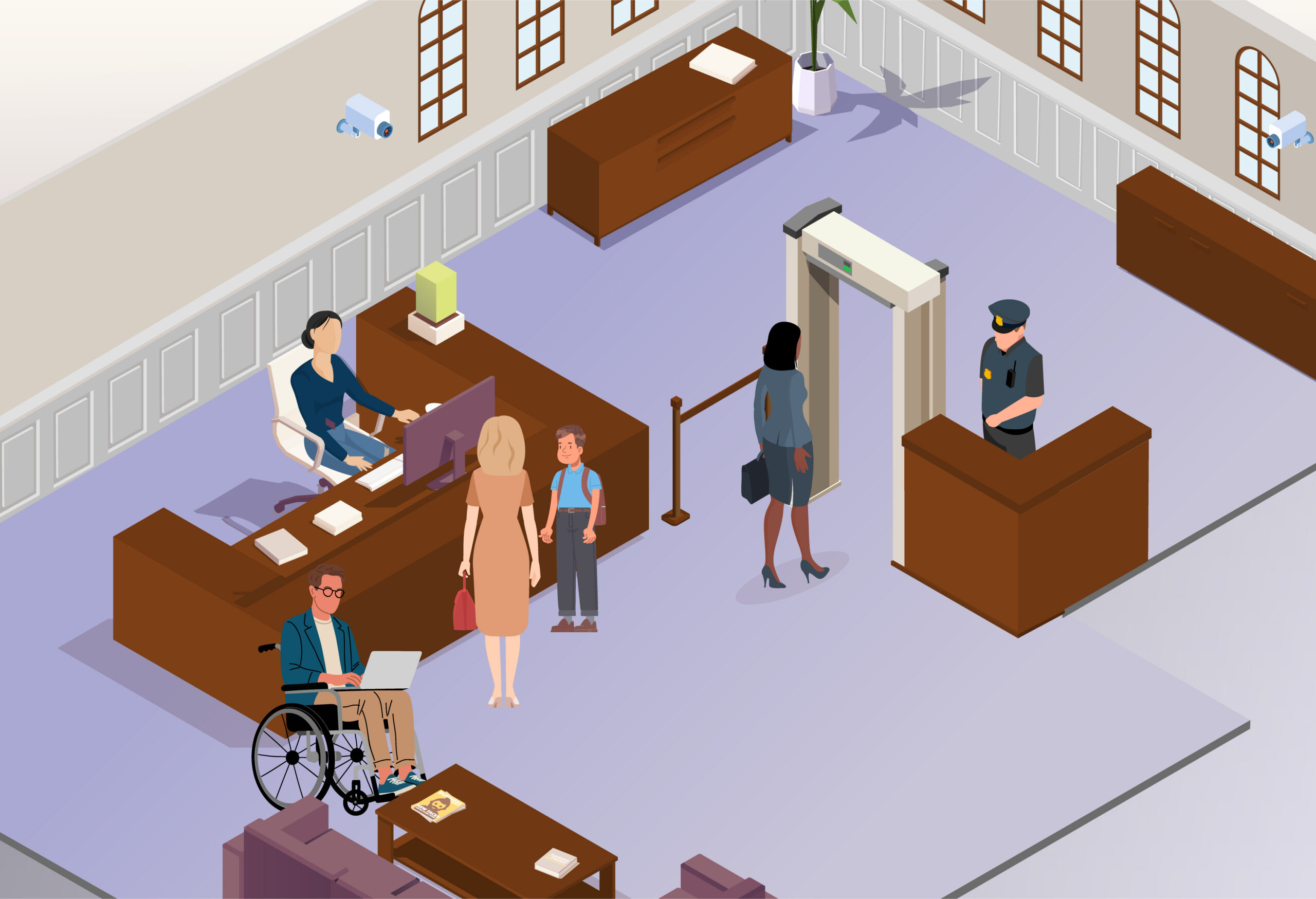
Service desk
All courts are different, but there may a service desk or reception desk as you enter the court building. There may be court staff at this desk or members of the Witness Service.
Use the play button below to read aloud.
Security officer
The security officer will be near the entrance of the court. They help to check people and their belongings coming into the court building. They help to keep you and other people safe at court.
The security officer will ask you to walk through the archway security scanner. They may ask you to empty your pockets and place your things in a tray. They may ask you to take off your shoes, coat, gloves, belt or hat. They’ll also check any bag you’ve brought with you. Some courts have x-ray security scanners, which your things may be passed through.
Use the play button below to read aloud.
Archway security scanner
When you arrive at the court, you’ll have to go through an airport-style security check. This helps keep the court safe, and everyone who enters the building goes through it.
The security officer will ask you to walk through the archway security scanner. They may use a handheld scanner to conduct a further search and may do a manual person search if they need to.
Everyone who attends court must go through security. It does not mean you’ve done anything wrong.
Use the play button below to read aloud.